MCP Overwatch released (alpha)

I have created a new app called MCP Overwatch using Go and Wails3, which is available from the repo on GitHub.
What is MCP Overwatch?
MCP Overwatch is a cross-platform desktop app that lets you browse, install, configure, and supervise MCP servers from one place — and exposes them to Claude Desktop, Claude Code, and any other MCP-aware client through a single proxy endpoint.
Why?
Running more than one or two MCP servers gets unwieldy fast. Each client has its own config file, each server has its own command line, environment variables, secrets, and update cadence. There’s no easy way to see what’s actually running, read its logs, or restart it without editing JSON by hand.
MCP Overwatch fixes that:
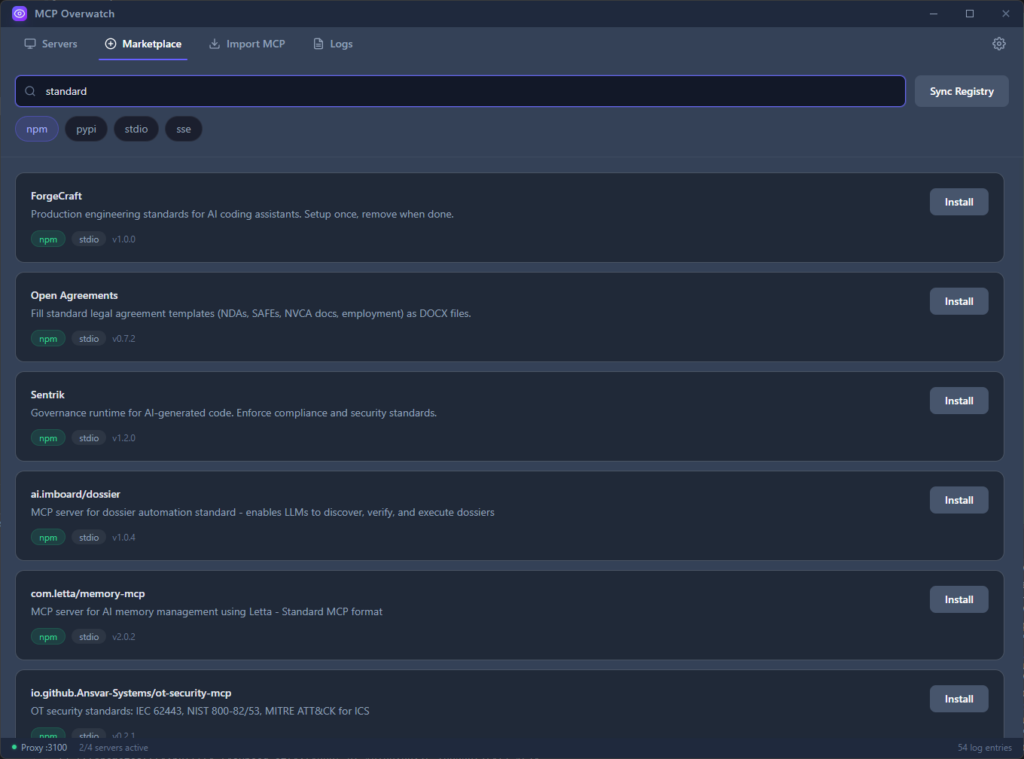
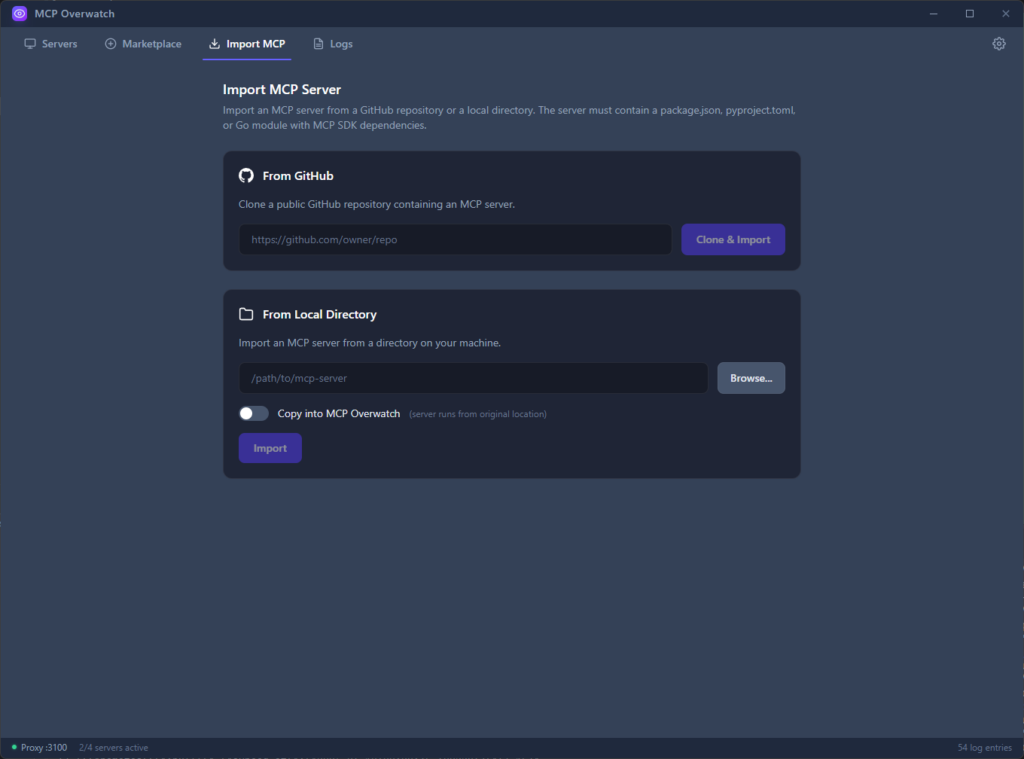
- One place to install servers — browse the official MCP registry, install with a click, and the app handles downloading the right runtime (Node, Python, Docker) and wiring up secrets via your OS keychain.
- One endpoint for every client — Claude Desktop, Claude Code, and anything else that speaks MCP connect to a single HTTP proxy on
localhost:3100. Tools are auto-namespaced (slack__send_message,github__create_issue) so there are no collisions. - You can see what’s happening — a unified live log stream you can filter by server, crash recovery with backoff, and update notifications when new versions land in the registry.
- Minimises to the tray and keeps your servers running while you work.
Features
- 🔍 Browse the official MCP registry, filter by runtime and transport
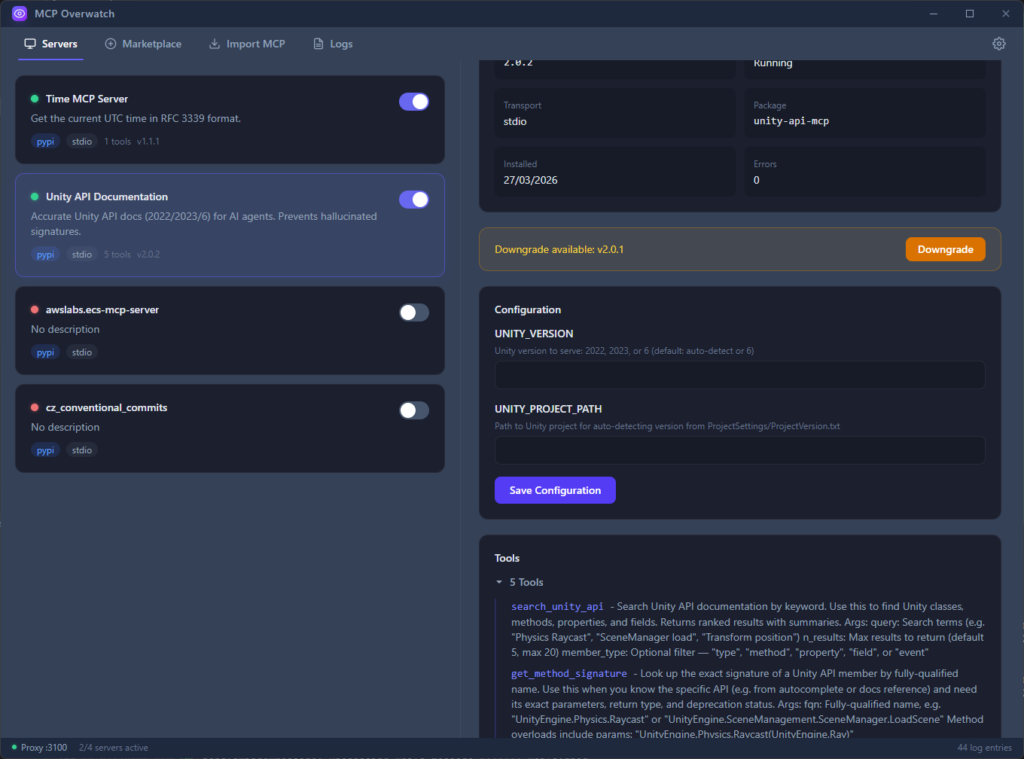
- ⚙️ Install, configure, start/stop, and update servers from the UI
- 🔐 Secrets stored in the OS keychain (Keychain / Credential Manager / Secret Service)
- 🌐 Unified HTTP proxy on
:3100with tool namespacing - 📜 Real-time unified log stream with per-server filtering, backed by a 10k-entry ring buffer
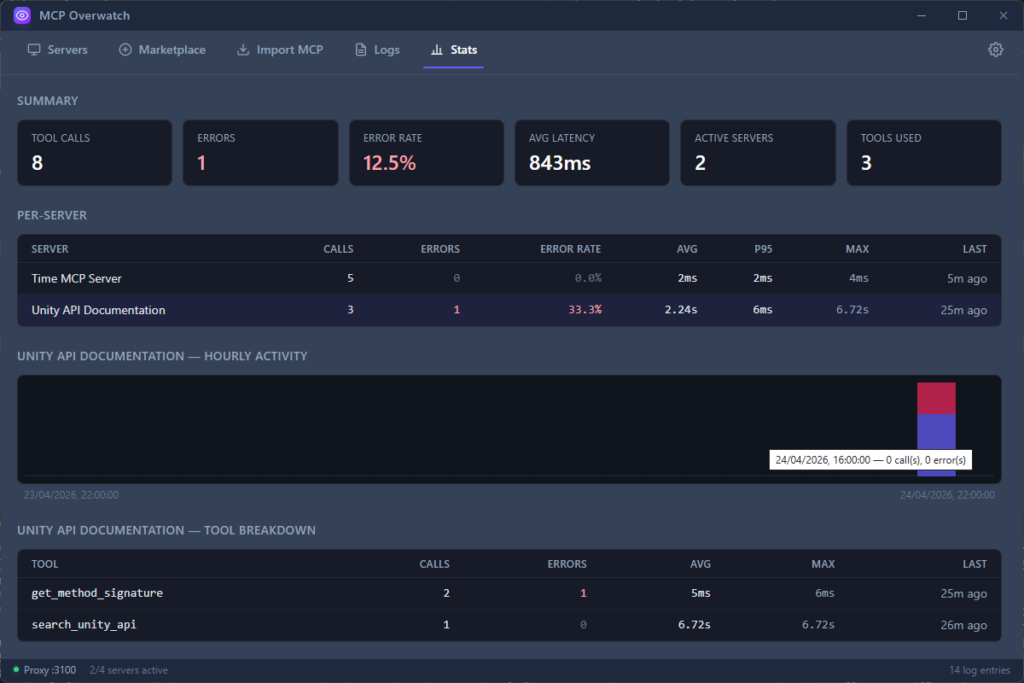
- 📊 Per-server and per-tool usage stats: call counts, error rates, avg/p95/max latency, and hourly activity
- 🔄 Auto-restart on crash with exponential backoff
- 🖱️ System tray with active-server count, minimise-to-tray behaviour
- 🪟 Cross-platform: Windows, macOS (universal), Linux (AppImage/deb/rpm)
- 🔌 One-click integration with Claude Desktop and Claude Code configs
Screenshots
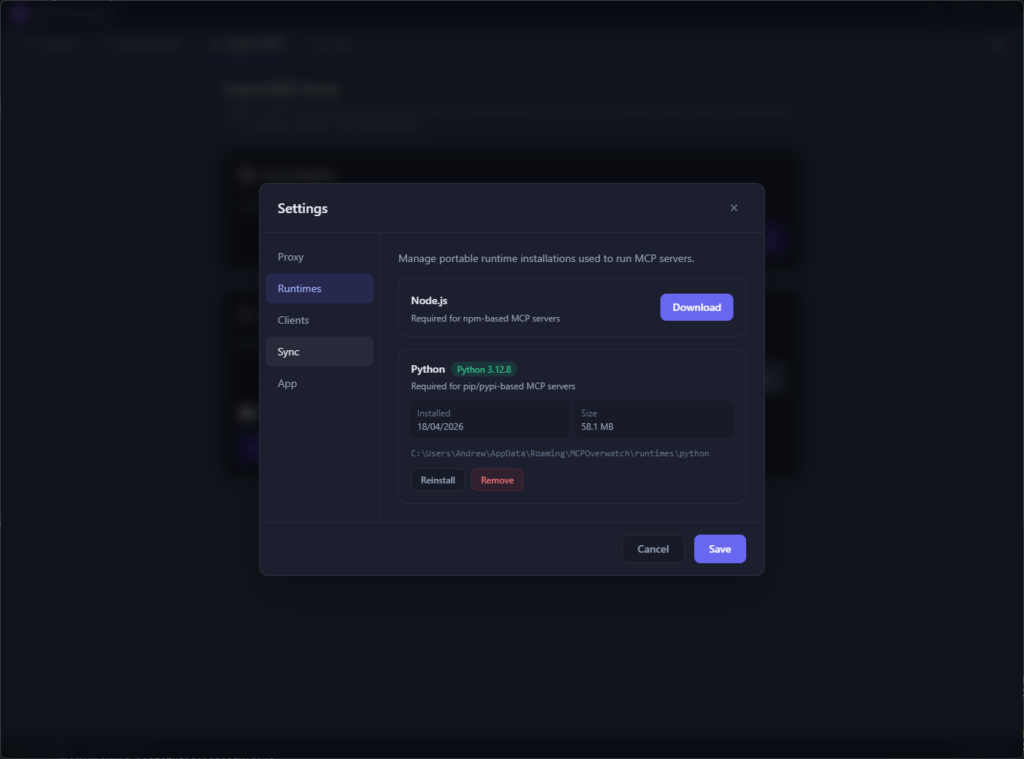
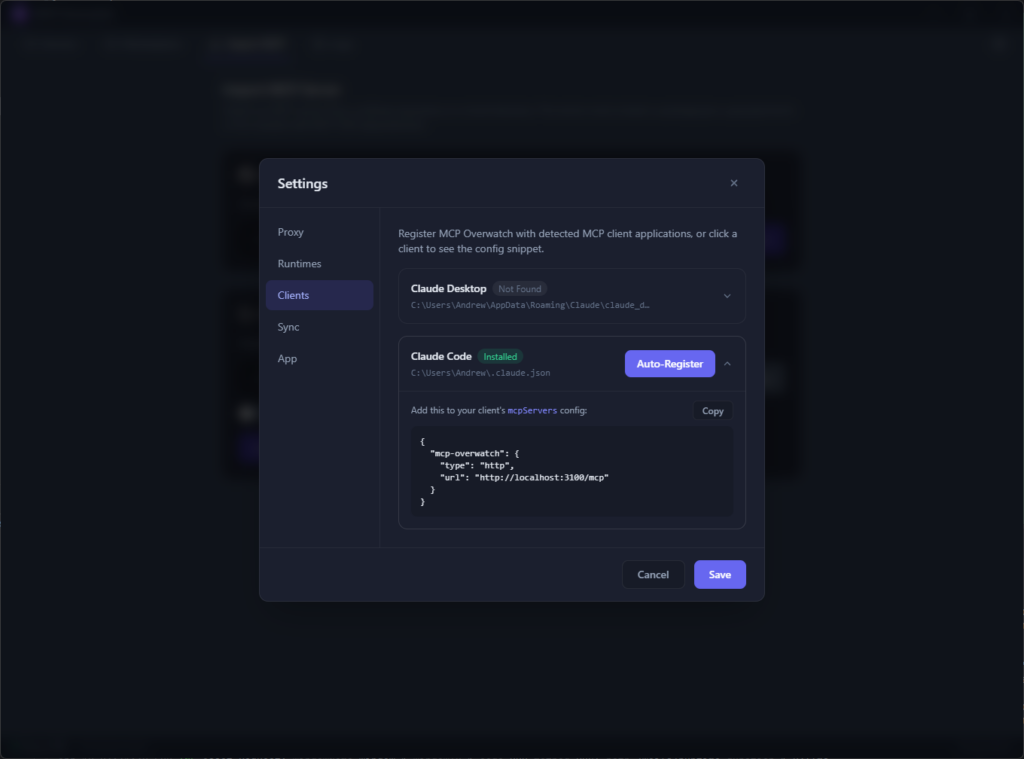
Currently in Alpha
The tool is currently in alpha, which means things could change.
It’s worth noting that, due to being prohibitively expensive, the installer is not signed, so you will have to tell your platform (Windows or Mac) to allow the usage of MCP Overwatch as the OS will not be able to verify the installer.
But please do go check it out at https://github.com/amnuts/mcp-overwatch, and add any issues or PR you want!
